
Quick Replies
Streamline your communication by answering common questions Immediately!
Create shortcuts for the messages you send most often, and insert them into Gmail or Google Chat without leaving the compose window.
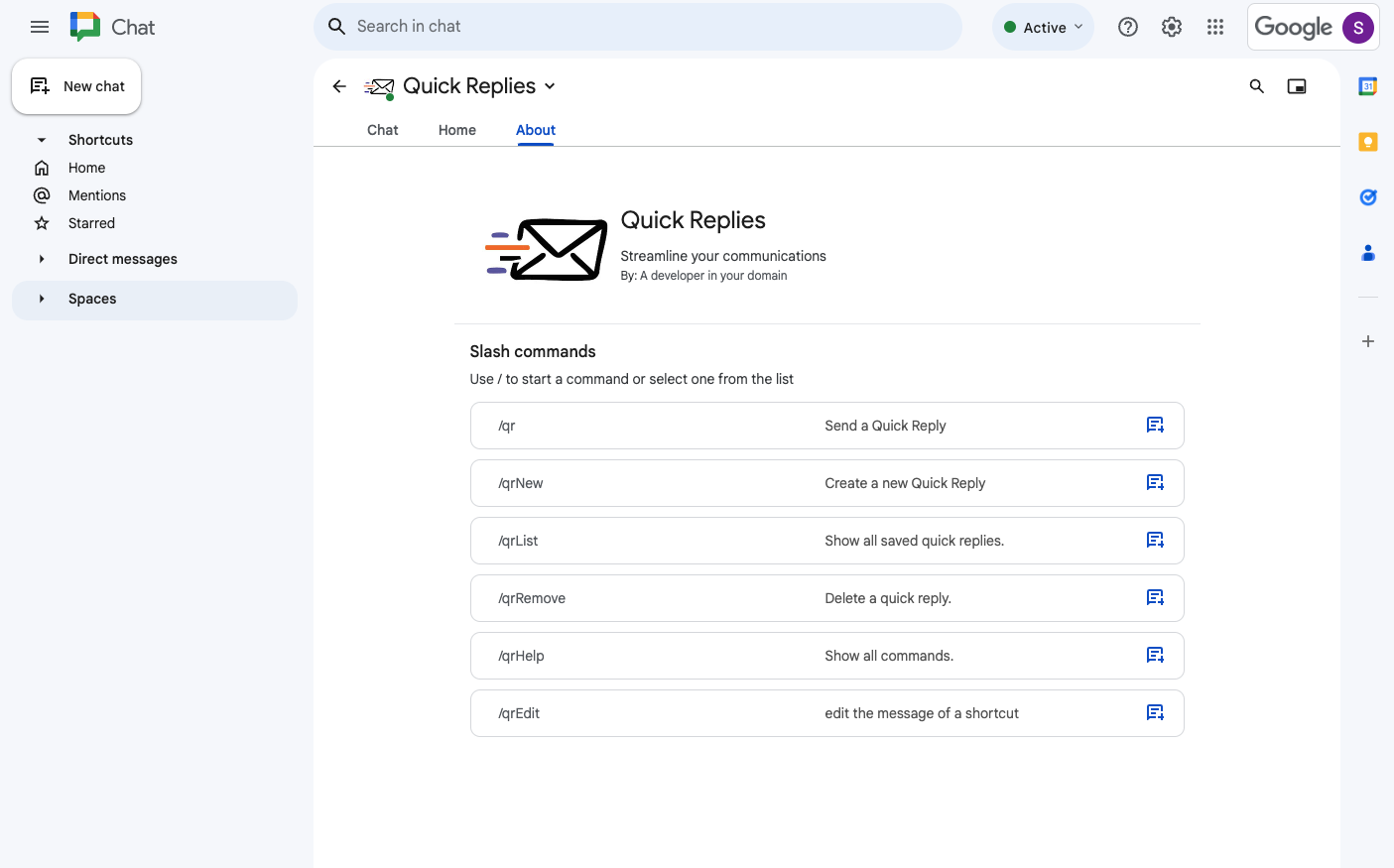
Templates where you type
Save the answers you give over and over, then drop them into a message without leaving the compose window.
Shortcuts, not searching
Every reply gets a shortcut, so the message you send twenty times a week is two keystrokes away.
Built for customers and classes
Support teams, tutors and anyone whose inbox is mostly the same five questions on repeat.
“So convenient for adding message templates. I love it.”
Up and running in minutes
Install from the Marketplace
Open the listing, choose Install and grant the permissions the app asks for.
Write your replies
Save the answers you already send over and over — onboarding notes, prices, opening hours, the usual questions.
Give each one a shortcut
Short, memorable, yours. The shortcut is how you reach the reply later.
Insert while composing
Open Quick Replies in the compose window and drop the message in. No copy-pasting from a notes file.
Before you install
Where do my templates live?
They stay attached to your account and are available wherever you compose. The privacy policy sets out exactly what is stored.
Can I use it with a personal Gmail account?
Yes — install it for yourself from the Marketplace, no administrator needed.
Can my team share replies?
A Workspace administrator can install the app for the whole domain so everyone works from the same setup.
What happens if I uninstall?
Access is revoked immediately from the Marketplace or your Google account's connected apps.
Add Quick Replies to your workspace
Free to install from the Google Workspace Marketplace.